
Embed WeTransform
Seamlessly integrate WeTransform into your own platform to let users upload and transform data without leaving your website.
Why use Embed?
Embedding WeTransform allows you to offer a professional data transformation experience while maintaining your brand identity. It's perfect for onboarding suppliers, importing product catalogs, or processing client files.
Use Cases
- Product catalog uploads
- Supplier data onboarding
- Custom file layouts conversion
Features
- White-label branding
- Secure HMAC redirection
- Automatic customer creation
Integration Modes
Choose the method that best fits your technical requirements and user experience.
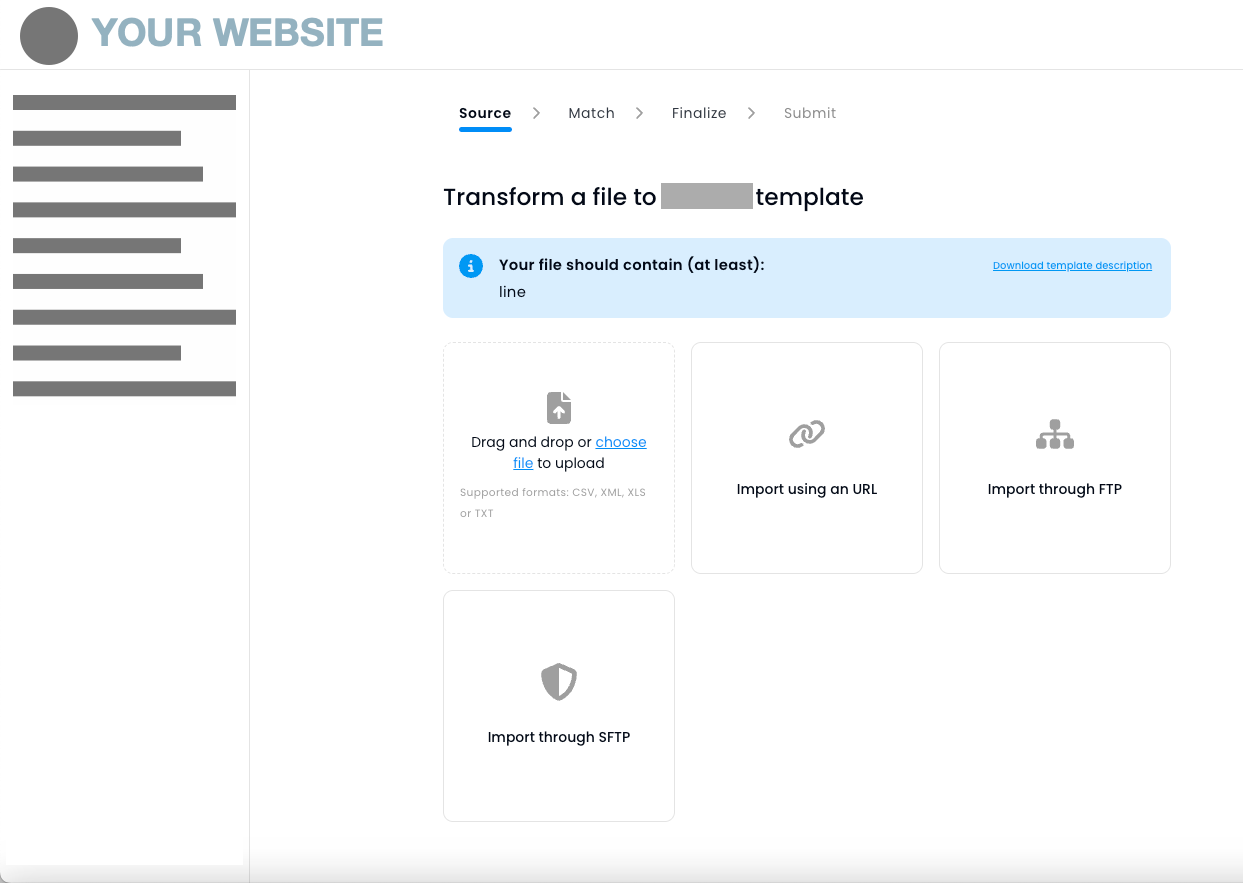
1. Embed via iframe (Inline)
Keep users on your site by displaying WeTransform within an iframe. This provides the most seamless experience for the end-user.
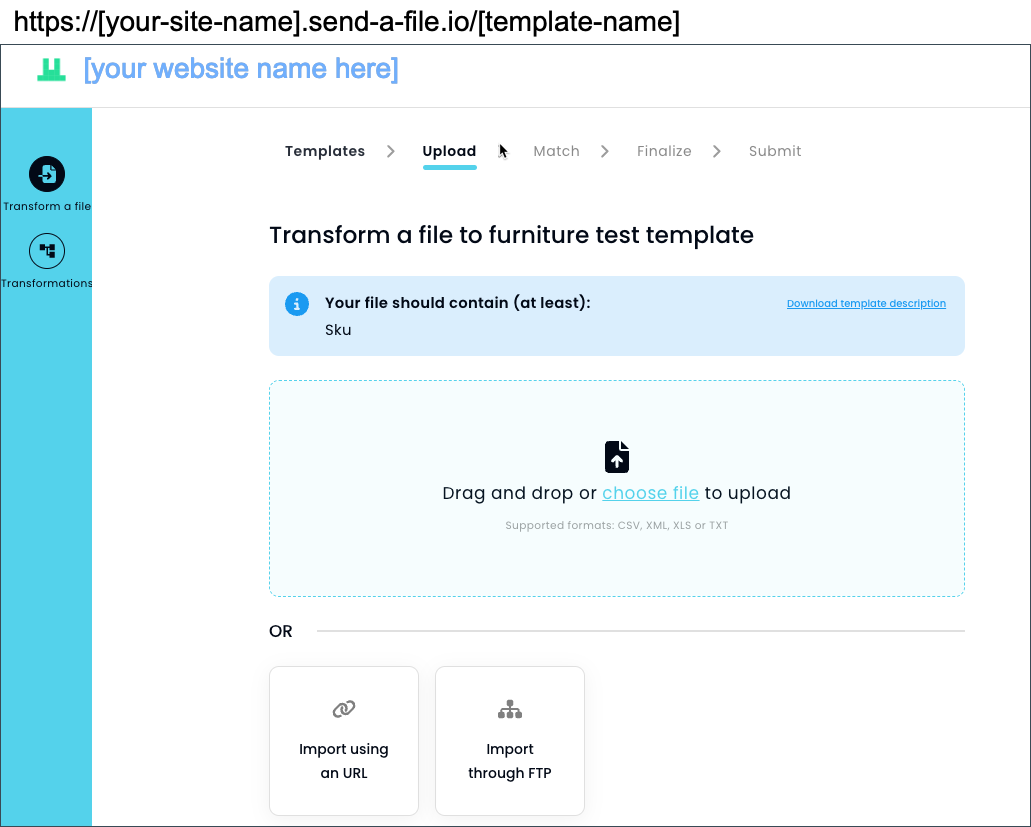
2. Redirect to Branded Page
Redirect users to a dedicated, customizable WeTransform page (e.g., your-company.send-a-file.io) with your logo and colors.
The Workflow
The typical user flow involves a secure redirection from your site to WeTransform, followed by a signed return to your application.
Configuration
-
Define Embed URL: Go to Integrations → Embed and set your unique URL (e.g.,
your-name.send-a-file.io). - Set Return URL: This is where users are sent back after the file is processed.
- Generate Signature Secret: This key is used to sign all communications and must be kept secret.
Implementation Steps
1. Create the link
Direct users to https://your-name.send-a-file.io. You can target a specific template or specify a customer_id in the query string.
2. Add HMAC Signature
Every request must include a signature parameter as proof of authentication (see Security section below).
3. Process the results
In your Return URL, verify the incoming signature and download the transformed file from the provided URL.
Security
All interactions are secured using HMAC SHA256 signatures to guarantee authenticity and integrity.
Sign the Request (Outbound)
Concatenate customer ID and template handle, then sign with your secret key.
// Concatenation: "customer_id:template"
Signature = HMAC_SHA256("1234:template-test", "secret_key")https://your-name.send-a-file.io/template-test?customer_id=1234&signature=...
Verify the Response (Inbound)
Concatenate customer ID, template ID and file URL to verify the return request.
// Concatenation: "customer_id:template:url"
Signature = HMAC_SHA256("1234:template-test:https://...", "secret_key")
Webhooks
If you prefer an asynchronous approach, you can receive notifications when files are ready for download.
Event: file:ready-for-download
{
  "event": "file:ready-for-download",
  "download_url": "https://wetransform.com/download/qxyQYK...",
  "customer_id": "65bd6fc913...",
  "template": "products"
}X-Signature header. Always verify it before processing.